Introduction
In the digital era, the importance and benefits of WordPress cannot be ignored for businesses, entrepreneurs, bloggers, and individuals. WordPress importance and benefits include ease of use, flexibility, and SEO-friendly features, making it the most popular platform for creating websites and managing content online.
WordPress is a free, open-source content management system (CMS) that allows users to create, manage, and customize websites without needing advanced coding skills. Its flexibility, ease of use, and vast community support make it a go-to choice for beginners and professionals alike.
In this article, we will explore what WordPress is, why it is important, and how it can benefit your online presence in 2026 and beyond.
What is WordPress?
WordPress is a content management system (CMS) that was first released in 2003. Built with PHP and MySQL, it allows users to create and manage websites easily. Originally designed for blogging, WordPress has evolved into a versatile platform capable of handling:
Blogs and personal websites
Business websites
E-commerce stores
Membership and community websites
Portfolios and creative showcases
Key Features of WordPress:
User-Friendly Interface: Easily manage pages, posts, media, and menus without coding knowledge.
Themes and Templates: Thousands of free and premium themes allow full website customization.
Plugins: Extend functionality with over 60,000 plugins for SEO, security, performance, analytics, and more.
Flexibility: Suitable for any type of website, from personal blogs to large online stores.
Strong Community Support: Global forums, tutorials, and developers provide assistance and regular updates.
Why WordPress is Important
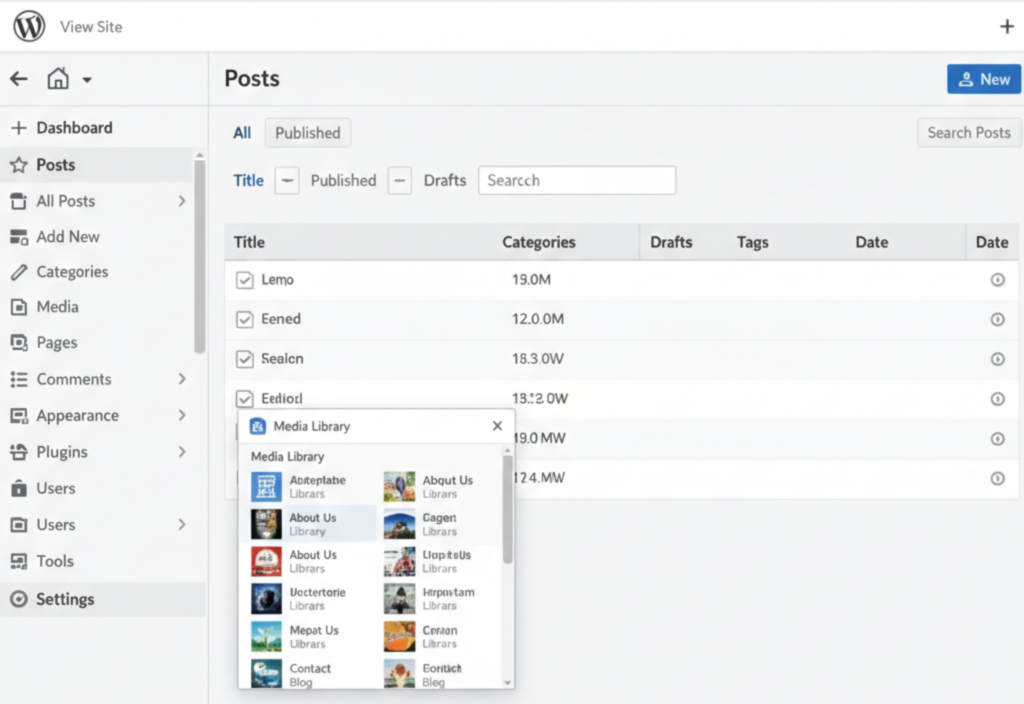
Easy to Use and Manage
WordPress is designed to be intuitive. Its dashboard allows users to add or edit content, upload images, create pages, and manage menus without technical skills.SEO-Friendly
WordPress is built with clean, optimized code and integrates with SEO plugins like Yoast SEO and RankMath. These tools make it easier to optimize your content for search engines.Highly Customizable
With thousands of themes and plugins, WordPress allows users to create unique websites tailored to their goals. Whether for blogging, business, or e-commerce, WordPress can adapt to any purpose.Mobile-Friendly and Responsive
Most WordPress themes are automatically responsive, meaning your website will display correctly on desktops, tablets, and smartphones, which is essential for user experience and SEO.Secure and Reliable
WordPress frequently updates its core software to fix vulnerabilities. Security plugins and regular backups make your website more secure against threats.Cost-Effective
WordPress is free to use. Users only need to pay for hosting, premium themes, or plugins if needed, making it highly cost-effective compared to custom-coded websites.Supports Multiple Media Types
WordPress allows you to add images, videos, audio, and documents, making your content engaging and interactive.
How WordPress Can Be Used
Blogs and Personal Websites
WordPress started as a blogging platform and remains ideal for creating personal or professional blogs. It provides built-in tools for managing posts, categories, tags, and comments.Business Websites
Small businesses, startups, and large enterprises use WordPress to showcase services, products, and portfolios. Customizable themes allow a professional online presence that aligns with branding.E-Commerce Stores
With plugins like WooCommerce, WordPress can transform into a fully functional online store for selling products or services. It supports payment gateways, inventory management, and order tracking.Membership and Online Learning Websites
WordPress allows you to create subscription-based websites, online courses, and membership portals using plugins like LearnDash or MemberPress.Portfolio Websites
Freelancers, designers, and photographers use WordPress to display their portfolios, with galleries, sliders, and interactive elements.Community and Forum Websites
Plugins like bbPress and BuddyPress help create forums, social communities, and membership networks.
Benefits of Using WordPress
User-Friendly: Manage content without technical skills
Highly Customizable: Themes and plugins provide flexibility
SEO-Friendly: Supports optimization for search engines
Mobile-Responsive: Works across all devices
Secure and Reliable: Frequent updates and security plugins
Cost-Effective: Free CMS with optional paid upgrades
Supports Multiple Media Types: Engaging content for users
Versatile: Works for blogs, businesses, e-commerce, portfolios, and communities
Tips for Using WordPress Effectively
Choose a Reliable Hosting Provider
A fast and secure hosting service ensures your WordPress site runs smoothly and loads quickly.Use a Lightweight, Responsive Theme
Themes like Astra, GeneratePress, or OceanWP are lightweight, responsive, and SEO-friendly.Install Essential Plugins
Some must-have plugins include:
Yoast SEO or RankMath – For SEO optimization
Wordfence Security – For website security
WP Rocket – For website speed optimization
UpdraftPlus – For backups
Keep WordPress Updated
Regularly update WordPress core, themes, and plugins to prevent security vulnerabilities.Focus on SEO
Use SEO-friendly URLs, meta descriptions, headings, alt text for images, and internal linking to improve search rankings.Create High-Quality Content
Publish original, useful, and engaging content to attract and retain visitors.Backup Your Website Regularly
Backups prevent data loss in case of hacks, server failure, or human error.
Common Mistakes to Avoid on WordPress
Using outdated themes or plugins
Overloading with unnecessary plugins that slow down your site
Ignoring website security
Neglecting SEO best practices
Not backing up the website regularly
Conclusion
WordPress is an essential platform for creating websites in 2026 and beyond. Its ease of use, flexibility, SEO compatibility, and affordability make it perfect for beginners, professionals, and businesses.